
Notes from the workbench.
34 guides to Mac thermals, fan behavior, troubleshooting, sustained workloads, and custom fan curves. Every article gives a direct answer, the limits of that answer, and the primary sources behind it.
Fan curves
 How to set a custom fan curve on a MacBook ProA measured, reversible workflow for editing 2–8 temperature points, testing adapter and battery curves, and verifying actual fan response in Smart Breeze.
 Choose a Smart Breeze cooling mode: Smart Boost, Manual, or timed MaxChoose among Smart Boost in Smart Breeze, timed Max, per-fan Manual RPM, and macOS System by response, verification, and how each mode ends.
 Which Mac temperature sensor should control a fan curve?Choose Any Sensor, CPU, GPU, or Battery for a Smart Breeze fan curve by matching the sensor to a repeatable workload and checking fallback behavior.
 Are custom Mac fan curves safe?Understand what makes a custom Mac fan curve bounded, what Smart Breeze Build 37 verifies, and what private AppleSMC fan control still cannot guarantee.
 The best Mac fan curve is a method, not a presetBuild a defensible Mac fan curve with a System baseline, one-variable tests, separate power-source curves, and clear keep-or-reject criteria.
Thermal fundamentals
 Mac fan control: System, fixed speed, and temperature curvesUnderstand who controls a Mac's fans, when a fixed RPM helps, how a temperature curve differs, and why hardware safety gates matter.
 Mac thermal throttling: how to identify it without guessingLearn what thermal throttling means on a Mac, which evidence matters, and how to run a repeatable test before changing cooling behavior.
 Does your Mac have a fan? Check the exact modelLearn why MacBook Air and MacBook Pro cooling differs, how to find your model identifier, and why fan detection must fail closed.
 What is a normal Mac temperature? Use context, not one magic numberThere is no single normal internal temperature for every Mac. Learn how workload, thermal state, trend, airflow, and ambient conditions change the answer.
 How to check Mac temperature and keep the reading honestCheck Mac temperature with the right sensor context, validate that readings refresh, and pair them with Activity Monitor and macOS thermal state.
 Mac fan RPM explained: actual speed, target, and hardware boundsUnderstand Mac fan RPM, why actual speed differs from a target, what zero or missing values mean, and how curves map percentages to hardware bounds.
 Upgrading to macOS 27? What the First 48 Hours Do to Your Mac's ThermalsUpgrading to macOS 27 Golden Gate leaves most Macs hot and loud for 24 to 48 hours. Here is what causes it, how long it lasts, and how to prepare.
 Thinner OLED MacBook Pro expected October 27: what it means for your thermalsApple is expected to unveil a thinner, lighter touchscreen OLED MacBook Pro on October 27. Here is what the redesign could mean for heat and fan noise.
 Is Mac fan control safe? What actually protects your MacIs Mac fan control safe? How firmware limits, macOS thermal protections, watchdog handoffs, and a Kill switch keep your Mac protected.
 Why notarized Mac fan control matters and how to checkWhat Apple notarization means, how Gatekeeper checks it, how to verify any Mac app with spctl, and why fan tools deserve extra scrutiny.
 Mac menu bar temperature monitors comparedCompare Mac menu bar temperature monitors: Smart Breeze (free monitoring), TG Pro, iStat Menus, Macs Fan Control, and ThermalForge on sensors and honesty.
 Should you manually set your Mac fan speed?Should you manually set your Mac fan speed? Default to System control, use fixed RPM only for short supervised tests, and always keep a path back.
Troubleshooting
 Why is my MacBook fan loud? Diagnose the workload before the fanFind out why a MacBook fan is loud by checking workload, ventilation, power mode, actual RPM, and thermal pressure before changing control.
 MacBook running hot: a careful checklist before changing fansTroubleshoot a hot MacBook by separating case warmth, internal sensor trends, workload, airflow, thermal pressure, and possible hardware symptoms.
 Mac fan not spinning: fanless design, quiet operation, or a real fault?Determine whether a Mac has a fan, validate live RPM and topology, and know when a non-spinning fan calls for Apple Diagnostics or service.
 SMC reset on Apple silicon: restart instead of following Intel ritualsApple silicon Macs do not use the Intel SMC-reset key sequences. Learn what Apple recommends and what a restart can and cannot fix.
 Mac temperature readings unavailable: what the blank value really meansDistinguish one unavailable sensor category from an empty hardware snapshot, check the Build 37 M5 Air verification status, and avoid unsafe helper workarounds.
 Use Apple Diagnostics for fan and thermal symptomsRun Apple Diagnostics on an Apple-silicon Mac, understand what a reference code means, and pair it with workload and fan evidence without overclaiming.
 Mac hot overnight after macOS 27? A known bug, not your fansmacOS 27 has a reported bug where dasd and appstoreagent pin a CPU core overnight, heating your Mac and spinning fans. How to confirm it and apply the community fix.
 A Hidden Cryptominer Pushed This Mac to 112C: How to Check YoursA hidden XMRig miner used about 12 cores and pushed a Mac to 112C. Check Activity Monitor and Login Items before you blame your fans.
 Mac overheating? What to check before touching fan speedMac overheating? Check Activity Monitor, airflow, power mode, and Apple Diagnostics before touching fan speed. Fans move heat; they do not remove the cause.
Sustained workloads
 Mac gaming temperatures: measure the session, not one peakA measurement-first guide to Mac gaming heat, fan speed, thermal pressure, and controlled fan-curve testing without inventing a universal safe temperature.
 Mac video export heat: build a test you can repeatMeasure Mac heat during video exports with a repeatable project, controlled conditions, thermal context, and curve-aware testing on qualified hardware.
 MacBook cooling pads: test the airflow before buying the claimA practical MacBook cooling-pad test that separates stand, airflow, ambient, noise, and workload variables without promising a universal temperature drop.
 Maximum Mac fan speed: what Max can and cannot proveUnderstand firmware-reported maximum fan speed, when a timed Max test is useful, and why a temperature curve is usually more informative than permanent full speed.
Comparisons
 The best Mac fan control apps in 2026, tested on Apple siliconSix Mac fan control apps compared on Apple silicon: Smart Breeze, TG Pro, Macs Fan Control, ThermalForge, iStat Menus 7, and MacBaram, ranked honestly by need.
 The best TG Pro alternatives for Mac in 2026Looking for a TG Pro alternative? Compare Smart Breeze, Macs Fan Control, ThermalForge, and iStat Menus on price, notarization, support, and Apple-silicon focus.
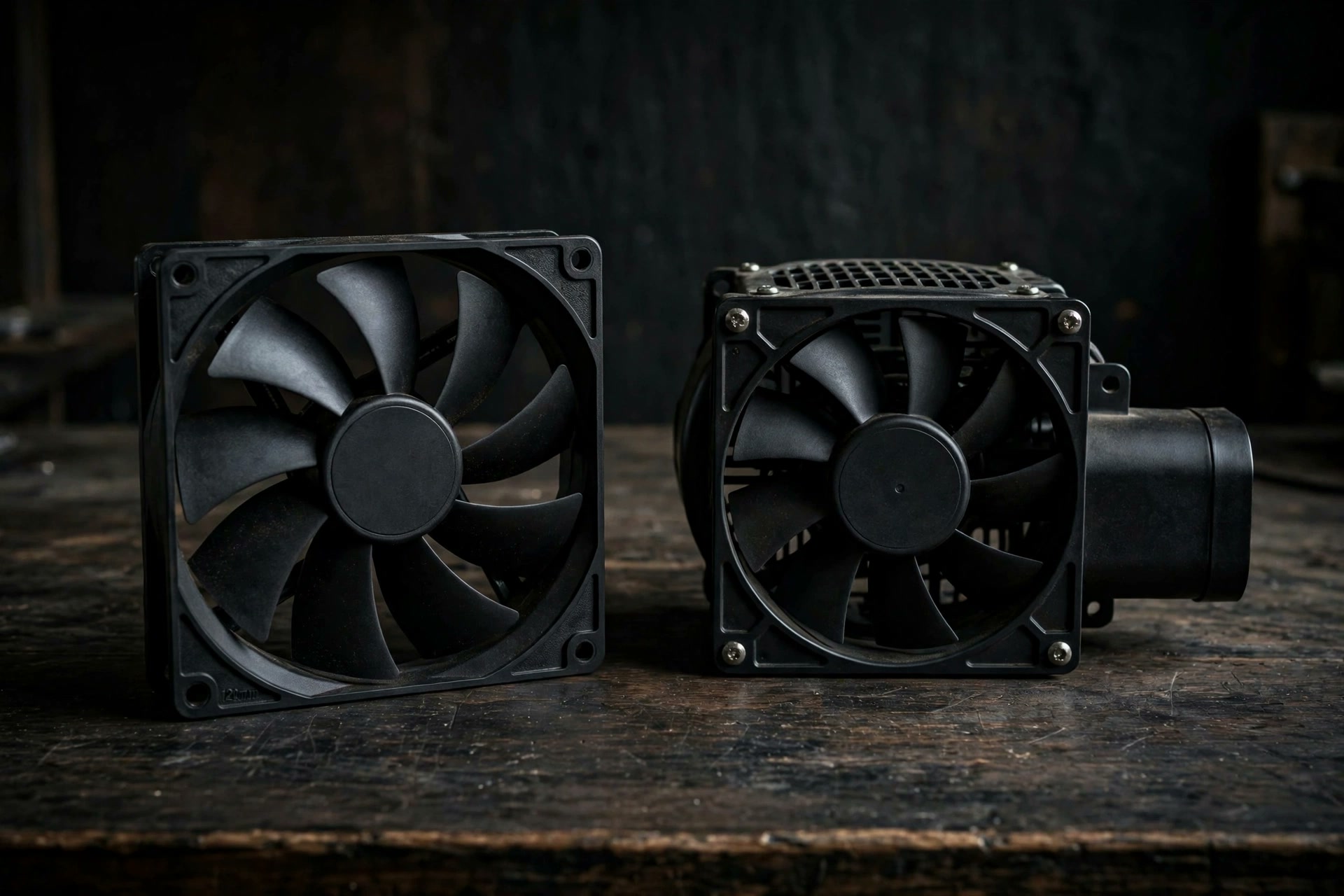 The best Macs Fan Control alternatives for Apple siliconThe best Macs Fan Control alternatives for Apple silicon: Smart Breeze, TG Pro, ThermalForge, and iStat Menus compared on safety, support, and price.
Keep your MacBook cool and quiet.
Download Smart Breeze free. Add fan control whenever you are ready.
Download Smart Breeze
Version 1.0.0 (37) · ~4.0 MB DMG
Apple silicon, macOS 13+
$9.99 launch · $14.99 regular one-time price
Apple silicon, macOS 13+
$9.99 launch · $14.99 regular one-time price