
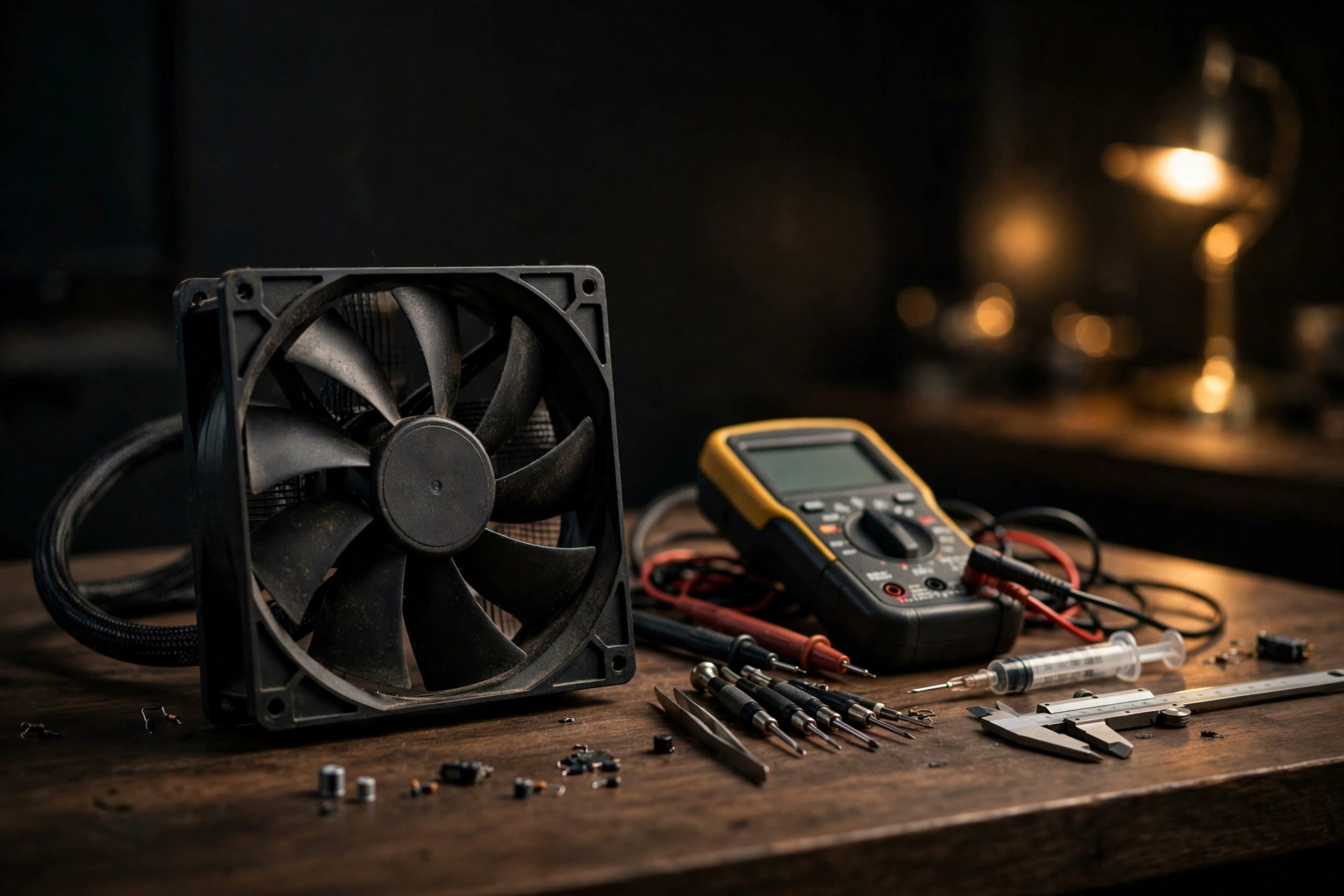
Run Apple Diagnostics for hardware-shaped symptoms
- Mechanical fan noise such as scraping, clicking, or irregular pulsing.
- A known fan repeatedly fails to respond under ordinary System control.
- Unexpected shutdowns, startup problems, or recurring thermal warnings.
- A material behavior change that remains after software load, airflow, and power settings are checked.
- A support representative asks for a diagnostic result or reference code.
A single warm reading without a symptom is not enough reason to conclude hardware is failing. Apple specifically says third-party temperature utilities should not be used to diagnose hardware issues.
Prepare the Mac so the test has a clean environment
- Move the Mac to a hard, flat, stable surface with good ventilation.
- Shut down the Mac.
- Disconnect external devices except the keyboard, mouse, display, Ethernet connection if used, and power connection.
- If Smart Breeze fan control is active and responsive before shutdown, select System and verify ownership first.
- Keep internet access available because Apple Diagnostics may use it.
NoteUse Apple's current instructions
Startup sequences and available diagnostic options can vary with hardware and macOS. If the on-screen behavior differs, follow the current Apple Support article linked below rather than an old screenshot or Intel-only guide.
Start Apple Diagnostics on Apple silicon
- Press and hold the Mac's power button.
- Keep holding until the startup options window appears.
- Press and hold Command-D on the keyboard when startup options are visible.
- Follow the language and diagnostic prompts shown on the Mac.
- Write down every reference code and the exact wording before restarting.
These are Apple-silicon steps. Do not substitute the startup method for an Intel Mac, and do not add an obsolete SMC-reset key combination beforehand.
Interpret the result within its limits
| Result | What it supports | What to do |
|---|---|---|
| Reference code appears | Apple Diagnostics identified a condition it can classify | Use Apple's code guidance and provide it to support |
| No issue found | The test did not identify a covered fault in that run | Keep reproducible evidence for intermittent symptoms |
| Test cannot complete | Startup, connection, or another condition blocked the result | Follow Apple's troubleshooting or contact support |
Do not translate a passing result into “the Mac can never have a thermal problem,” and do not translate a raw third-party temperature into a failed Apple component. Each has a narrower scope.
Pair the result with an observable timeline
- Exact model identifier, macOS version/build, and power mode.
- The process or workload active when the symptom began.
- macOS thermal state and the available temperature trend.
- Fan count, actual RPM, target, and controller on a fan-equipped Mac.
- Whether the symptom clears after workload recovery or a clean restart.
- Apple Diagnostics result and reference code, if any.
This timeline helps a technician distinguish a workload-linked response, monitoring defect, control-state problem, and hardware symptom without relying on one screenshot.
Where Smart Breeze diagnostics stop
Smart Breeze diagnostics describe app version, model result, available aggregate temperatures, fan readback, helper safety state, and recent control events. They do not inspect personal files, run Apple's hardware test, or automatically send anything.
WarningReturn to System before treating a fault
If fan ownership, readback, or System handoff is unexplained, do not keep testing curves or Manual targets. Preserve the warning and diagnostics, restart if Smart Breeze directs you to obtain fresh state, and pursue support.
Sources
- Use Apple Diagnostics to test your Mac (Apple Support)
- Keep your Mac laptop within acceptable operating temperatures (Apple Support)
- Reset the SMC of your Mac (Apple Support)
- Smart Breeze monitoring and control troubleshooting (Smart Breeze)
- Smart Breeze safety model (Smart Breeze)
More from the guides
 TroubleshootingMac fan not spinning: fanless design, quiet operation, or a real fault?Determine whether a Mac has a fan, validate live RPM and topology, and know when a non-spinning fan calls for Apple Diagnostics or service.
 TroubleshootingMacBook running hot: a careful checklist before changing fansTroubleshoot a hot MacBook by separating case warmth, internal sensor trends, workload, airflow, thermal pressure, and possible hardware symptoms.
 TroubleshootingSMC reset on Apple silicon: restart instead of following Intel ritualsApple silicon Macs do not use the Intel SMC-reset key sequences. Learn what Apple recommends and what a restart can and cannot fix.
Related docs: Copy Smart Breeze diagnostics, Understand safe System handoff
Smart Breeze records a short on-device history and explicit controller state; Apple Diagnostics remains the hardware test. Download Smart Breeze