
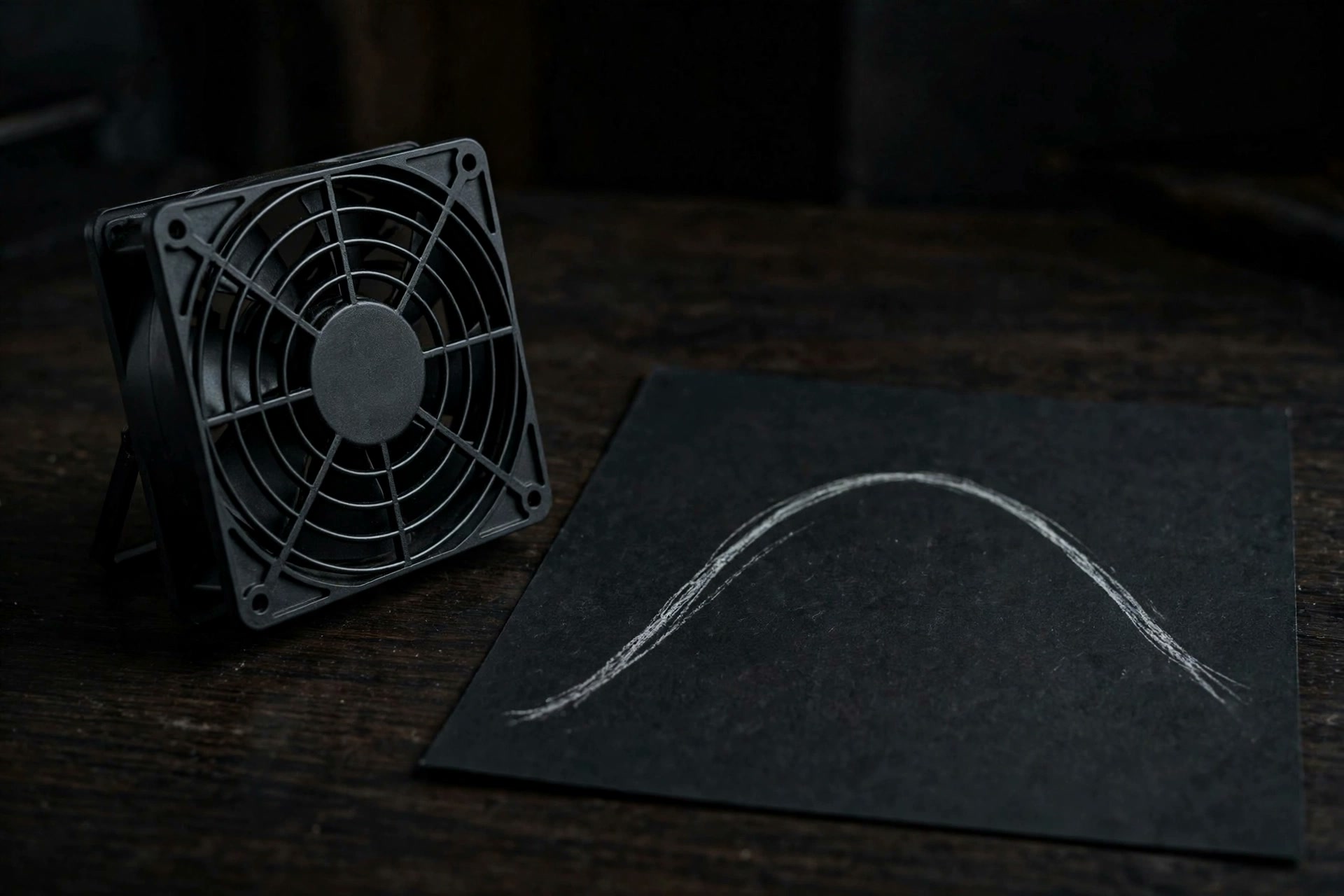
Read a curve as a policy, not a promise
The horizontal axis is temperature. The vertical axis is a percentage of the fan’s controllable range. A point at 68 °C and 44% means: when the selected sensor is at that temperature, calculate a target 44% of the way from that fan’s reported minimum RPM to its reported maximum RPM. It does not mean 44% of zero-to-maximum RPM, and it is not a claim about the temperature your Mac will reach.
target RPM = minimum RPM + (maximum RPM − minimum RPM) × curve percentageSmart Breeze calculates the target independently for every discovered fan, because two fans can report different bounds. The dashboard keeps three different ideas visible: the requested target, the actual live RPM, and who currently owns control. That distinction matters. Drawing a line on a chart is not the same as proving that the hardware followed it.
A curve is a policy you can measure, not a promise about the temperature your Mac will reach.
What happens between the set points
The line between two points is meaningful. Smart Breeze linearly interpolates the fan percentage instead of jumping from one point to the next. On the Balanced adapter example, a temperature between 68 °C and 80 °C produces a percentage between 44% and 72%. This creates a gradual request whose slope is set by the spacing of the points.
| Curve choice | What changes | What does not follow automatically |
|---|---|---|
| Move the first point left | Smart Boost becomes eligible at a lower selected-sensor temperature. | Lower final temperature, quieter operation, or higher performance. |
| Raise a middle percentage | The requested RPM is higher through that part of the curve. | A proportional change in case temperature or workload speed. |
| Move the last point | The curve reaches its 100% endpoint at a different selected-sensor temperature. | A change to the helper’s independent 95 °C protective override. |
MethodInterpret the line with measurements
Use the same workload, starting conditions, power source, room setup, and duration when comparing curves. Watch the temperature trend, thermal-pressure state, target RPM, actual RPM, and eventual return to System. A visually smoother line is not evidence of a better result by itself.
Activation and release are deliberately different
Smart Boost does not take control simply because a profile is selected. It watches under System until the controlling sensor crosses the curve’s first temperature point. When it engages, Build 37 will not begin below the fan speed macOS was already requesting, and it does not step its target down while the same Smart Boost session remains engaged.
- Below the first curve point, macOS keeps control.
- At or above the first point, Smart Boost requests the interpolated, bounded target and verifies control.
- If the temperature falls a little, the target does not chase every small reading downward.
- The sensor must fall below the first point minus the hysteresis value, then remain there for the cooldown period.
- Smart Breeze requests and verifies a complete System handoff; macOS owns the fans again.
NoteDefault release behavior
Balanced and Performance use 4 °C hysteresis and a 45-second cooldown in Build 37. For example, a 55 °C first point has a 51 °C release threshold. Quiet Boost uses its own 5 °C hysteresis and 60-second cooldown. A Custom profile can set hysteresis from 1–12 °C and cooldown from 5–180 seconds.
One profile contains separate adapter and battery curves
Smart Breeze stores independent points for power-adapter and battery operation and switches curves when the Mac’s power source changes. That prevents one compromise curve from silently standing in for two different operating contexts. It also means a useful comparison must record whether the Mac was plugged in.
| Build 37 profile | Adapter points (°C / %) | Battery points (°C / %) | Release behavior |
|---|---|---|---|
| Performance | 48/28 · 62/52 · 75/80 · 88/100 | 54/22 · 68/45 · 80/72 · 92/100 | 4 °C · 45 seconds |
| Balanced | 55/22 · 68/44 · 80/72 · 92/100 | 59/18 · 72/36 · 84/66 · 95/100 | 4 °C · 45 seconds |
| Quiet Boost | 65/22 · 75/42 · 86/74 · 95/100 | 68/18 · 78/36 · 88/68 · 96/100 | 5 °C · 60 seconds |
WarningThese are product definitions, not temperature goals
The table documents what the presets request in Build 37. It does not establish a universal safe, normal, or optimal Mac temperature. Apple’s own guidance focuses on ambient conditions, ventilation, macOS thermal management, and service diagnostics, not a single internal-sensor target that applies to every model and workload.
The curve sits inside stricter boundaries
A custom line cannot remove Smart Breeze's hardware discovery gate, fan-reported RPM clamps, System fallback, command expiry, readback checks, or helper watchdog. The helper samples temperature independently. At 95 °C it forces the fans on qualified hardware to their reported maximum; after temperature remains at or below 88 °C for about 20 seconds, it releases the fans to System. That override takes precedence even if a visible curve has a later endpoint.
- App exit, missing data, helper errors, and failed control verification request a System handoff.
- A substantial target write is not presented as successful merely because a command was sent; helper and SMC state are read back.
- Each request is clamped to the minimum and maximum reported by that specific fan.
- Fanless and unqualified models cannot turn a saved curve into fan writes in the public build.
WarningImportant limit
Apple does not publish a supported fan-control API. Smart Breeze uses the private AppleSMC interface. These controls do not guarantee lower temperatures, better performance, longer hardware life, or protection from failure. Keep System selected unless you have a measured reason to add cooling.
A practical first use
- Confirm Smart Breeze reports discovered fans and verified System ownership before changing modes.
- Start in System and record one repeatable workload in the 15-minute history.
- Choose Balanced before editing points. Confirm the selected sensor, power source, and controller label.
- Run the same workload and compare the target/actual relationship and the System handoff, not only the peak temperature.
- Create a Custom profile only if you can name the behavior you are trying to change and test one adjustment at a time.
If Smart Breeze does not offer fan control on your Mac, the right next step is monitoring, not attempting to bypass the gate. See how to set a custom curve for the editing workflow, or compare automatic curves with fixed RPM before choosing a mode.
Sources
- Smart Breeze safety and control boundaries (Smart Breeze)
- Smart Breeze compatibility by exact Mac model (Smart Breeze)
- Keep your Mac laptop within acceptable operating temperatures (Apple Support)
More from the guides
 Fan curvesHow to set a custom fan curve on a MacBook ProA measured, reversible workflow for editing 2–8 temperature points, testing adapter and battery curves, and verifying actual fan response in Smart Breeze.
 Fan curvesChoose a Smart Breeze cooling mode: Smart Boost, Manual, or timed MaxChoose among Smart Boost in Smart Breeze, timed Max, per-fan Manual RPM, and macOS System by response, verification, and how each mode ends.
 Fan curvesThe best Mac fan curve is a method, not a presetBuild a defensible Mac fan curve with a System baseline, one-variable tests, separate power-source curves, and clear keep-or-reject criteria.
Related docs: Compatibility, Safety model
Smart Breeze is open to Apple-silicon Macs, with active fan control on any fan-equipped model where it discovers a complete fan topology. Review compatibility