
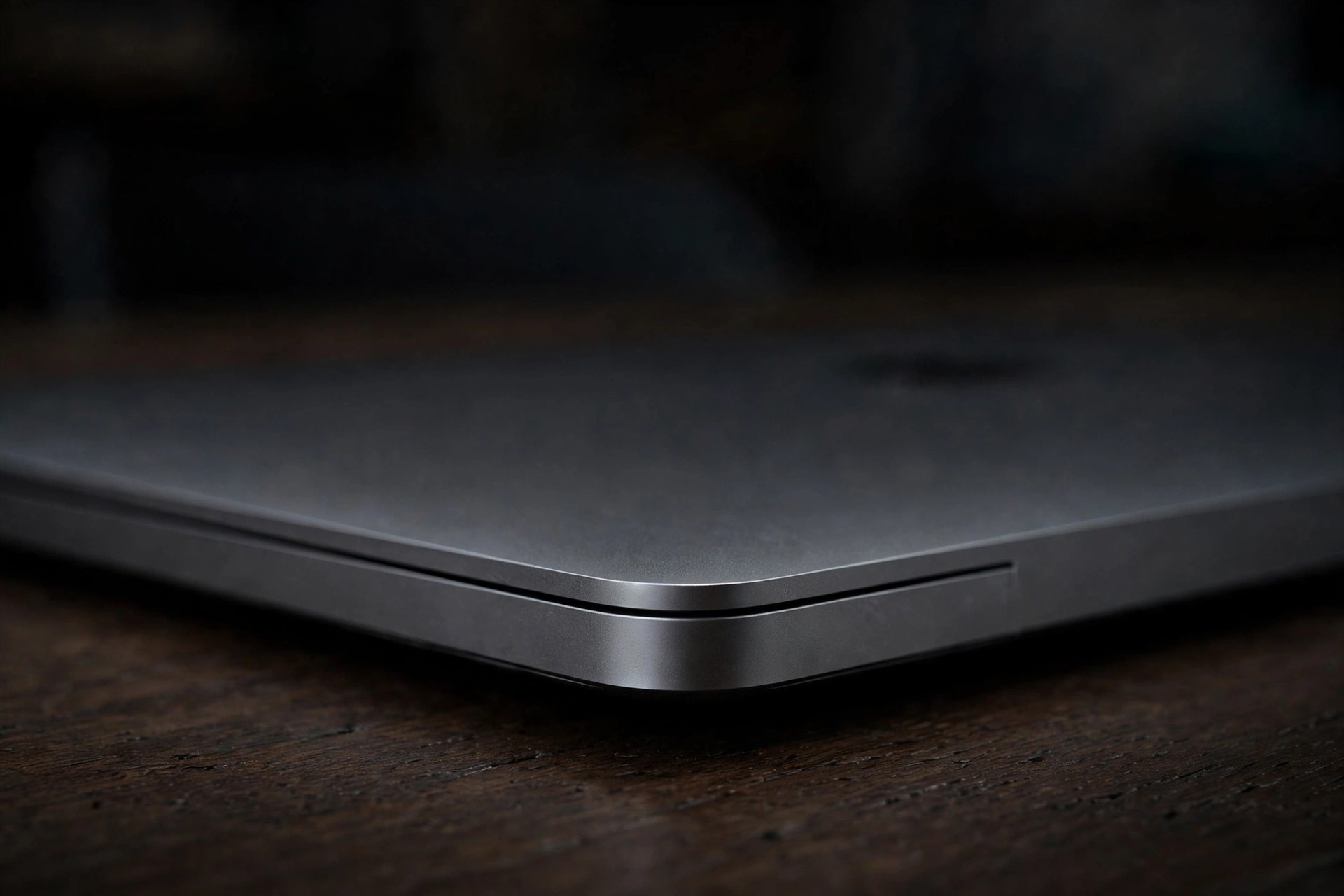
Product family is a clue, not a control key
A familiar product name can describe several generations, sizes, and internal layouts. Likewise, the same chip family can appear in a fanless notebook and a fan-cooled desktop. A fan utility needs to know the individual model and the fans the hardware actually exposes, not merely that the Mac contains an M-series processor.
| Mac family | General cooling design | Fan-control implication |
|---|---|---|
| Apple-silicon MacBook Air | Fanless design | Monitoring only where readable; no fan controls should appear |
| MacBook Pro | Active cooling, with layout dependent on exact model | Requires discovered fan topology with verified write and handoff |
| Apple-silicon desktops | Model-specific active cooling | Do not infer supported keys from a notebook or sibling desktop |
Find the exact model identifier
- Choose Apple menu → About This Mac.
- Open More Info, then System Report.
- In Hardware Overview, copy Model Identifier, not only Model Name or Chip.
- Compare that exact value with the app's compatibility list.
system_profiler SPHardwareDataType | awk -F': ' '/Model Identifier/{print $2}'Apple also documents serial-number and part-number methods for identifying a Mac when it will not start. Do not submit a serial number to Smart Breeze; the model identifier is the useful, non-unique compatibility value.
Fanless does not mean sensorless
A fanless Mac still measures temperature and manages its thermal envelope. The absence of a fan means there is no fan target to set; it does not imply that the machine has no thermal data or thermal protections.
Whether a third-party app can display those readings is a separate compatibility question. Apple's private SMC keys and layouts can differ by model and software build. A monitoring app may need a model-specific read path even when macOS itself has all the information it needs.
The Build 21 result and Build 37 verification status
WarningConfirmed on one tested fanless M5 MacBook Air
On one tested M5 MacBook Air, Breeze 0.3.10 Build 21 downloaded and installed, but Model, CPU, GPU, Memory, Battery, and Hottest remained unavailable. The missing fan-count key ended that build's hardware snapshot before independent temperature-key discovery continued.
Breeze 0.3.11 Build 37 changes that path by recording fan topology as unknown, keeping control physically ineligible, and continuing read-only temperature discovery. It also adds an individual sensor explorer, and the updated path has been verified on the same M5 Air.
The defect is missing monitoring, not missing fan control. A fanless Mac should never receive fan controls. Installing or repairing Smart Breeze's privileged helper cannot create read-only temperature keys and is not a workaround.
Why unknown fan topology must fail closed
The fan count is only the beginning. Safe control also requires verified minimum and maximum bounds, correct mode and target keys, current readback, and a proven return-to-System path. Guessing that a nearby model is equivalent can turn a cosmetic compatibility shortcut into a hardware write with no verified rollback.
- Missing fan count: do not assume one or two fans.
- Incomplete bounds: do not invent a minimum or maximum.
- Unknown ownership state: do not report System handoff as complete.
- Unqualified model: allow monitoring where available, but keep writes disabled.
How Smart Breeze expands support
Smart Breeze enables physical fan control on any fan-equipped Apple-silicon Mac where it discovers a complete fan topology. A Mac that reports no fans, or an incomplete topology, remains System-only even if monitoring works.
A model is added only after control, readback, rollback, sleep and wake, helper failure, and verified System handoff are exercised on physical hardware. Matching-looking keys are evidence to investigate, not permission to ship.
Sources
- MacBook Air (Apple)
- Identify your MacBook Pro model (Apple Support)
- Smart Breeze compatibility and hardware discovery (Smart Breeze)
- Smart Breeze Build 37 known issues (Smart Breeze)
- Smart Breeze safety model (Smart Breeze)
More from the guides
 Mac thermal fundamentalsMac fan control: System, fixed speed, and temperature curvesUnderstand who controls a Mac's fans, when a fixed RPM helps, how a temperature curve differs, and why hardware safety gates matter.
 TroubleshootingMac temperature readings unavailable: what the blank value really meansDistinguish one unavailable sensor category from an empty hardware snapshot, check the Build 37 M5 Air verification status, and avoid unsafe helper workarounds.
 Mac thermal fundamentalsMac fan RPM explained: actual speed, target, and hardware boundsUnderstand Mac fan RPM, why actual speed differs from a target, what zero or missing values mean, and how curves map percentages to hardware bounds.
Related docs: View the current compatibility table, Read the Build 37 verification status
Fan control works on any fan-equipped Apple-silicon Mac where Smart Breeze discovers a complete fan topology. Download Smart Breeze