
What happened
Tunabelly Software lists TG Pro 2.105 as its latest release for macOS 10.14 through macOS 27 in the TG Pro release notes. Third-party release listings are dated November 9, 2026. The release notes lead with new model support:
- MacBook Pro (14-inch, M6)
- MacBook Pro (14-inch, PROLED XDR, M5 Pro or M5 Max)
- MacBook Pro (16-inch, PROLED XDR, M5 Pro or M5 Max)
- iMac (24-inch, M6)
The rest of the update is maintenance. TG Pro can now save a support package to a file if an upload fails. It improves handling of system shutdown causes, fixes a case where macOS could redact values in the app log, fixes a desktop Mac diagnostic that could blame the battery when incoming voltage was the real issue, and fixes trial activation when the system clock was out of sync.
The context in the same release notes explains why model support is not a formality. For the first M5 models, TG Pro noted that Apple's new architecture changes how CPU and GPU temperature data is reported, and that it was still fine-tuning sensor mappings for accuracy. A recent release also added left and right Thunderbolt port temperature monitoring for MacBook Pro models with M5 Pro and M5 Max, and added compatibility with macOS 27 Golden Gate. Each new chip and chassis has needed its own pass.
What it means for your Mac's thermals
New hardware and old sensor maps do not mix well. If an app labels a sensor wrong, every decision built on that reading is wrong too. A fan curve tied to a mislabeled sensor can stay quiet while a different part of the chip heats up, or spin up for a sensor that does not reflect the load you care about. That is why the first question on a new Mac is not which fan app to use. It is whether the app you use has been updated for your exact model.
This applies to every tool in the category, including Smart Breeze. The pattern to look for is the one in these release notes: named support for your model, sensor work described in plain terms, and fixes that follow as the developer learns the hardware. If a tool has not named your model yet, treat its readings as provisional. Cross-check a suspicious temperature against a second signal, such as thermal pressure, fan behavior under a known load, or performance holding steady through a repeated run.
There is also a limit worth keeping. Model support means the app can read the new Mac and work with its fans as the hardware allows. It does not change what the Mac can cool. The PROLED MacBook Pro reviews measured a thinner chassis that holds its performance but runs its 14-inch fans louder under load. Software can move air earlier or later. It cannot add thermal headroom the chassis does not have.
Practical takeaways
- Update your fan and temperature apps before you judge readings on a PROLED or M6 Mac. An older build may show incomplete or mislabeled sensors.
- Check that your exact model is named in the app's support list or release notes. Chip family alone is not enough.
- Learn normal on your machine first. Record idle and heavy-work temperatures and fan speeds in the first week, so later changes stand out.
- Cross-check one hot reading before you act on it. Watch whether thermal pressure rises and performance falls on the same job, run twice.
- Run only one fan control app at a time. Two apps setting fan targets will fight, and neither reading of the result is clean.
- Keep macOS control as your fallback. If readings look inconsistent after an update, return the fans to system control while you sort out which app is current.
Sources
- Apple unveils MacBook Pro with PROLED XDR Display (Apple Newsroom)
- Keep your Mac laptop within acceptable operating temperatures (Apple Support)
More from the guides
 The best TG Pro alternatives for Mac in 2026Looking for a TG Pro alternative? Compare Smart Breeze, Macs Fan Control, ThermalForge, and iStat Menus on price, notarization, support, and Apple-silicon focus.Comparisons
 How to check Mac temperature and keep the reading honestCheck Mac temperature with the right sensor context, validate that readings refresh, and pair them with Activity Monitor and macOS thermal state.Mac thermal fundamentals
 The best Mac fan control apps in 2026, tested on Apple siliconSix Mac fan control apps compared on Apple silicon: Smart Breeze, TG Pro, Macs Fan Control, ThermalForge, iStat Menus 7, and MacBaram, ranked honestly by need.Comparisons
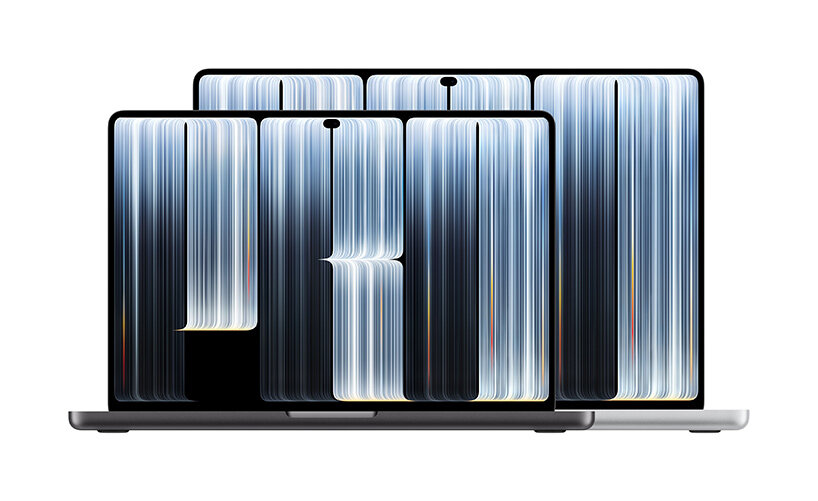 PROLED MacBook Pro Reviews: What Testers Found About Heat and Fan NoiseFirst reviews split on the thinner PROLED MacBook Pro: the 16-inch holds near peak speed at Nominal pressure, the 14-inch fans spin louder under load.Mac thermal fundamentals
Smart Breeze lists supported Macs and known monitoring limits in its docs, so you can check your exact model first. Download Smart Breeze
