
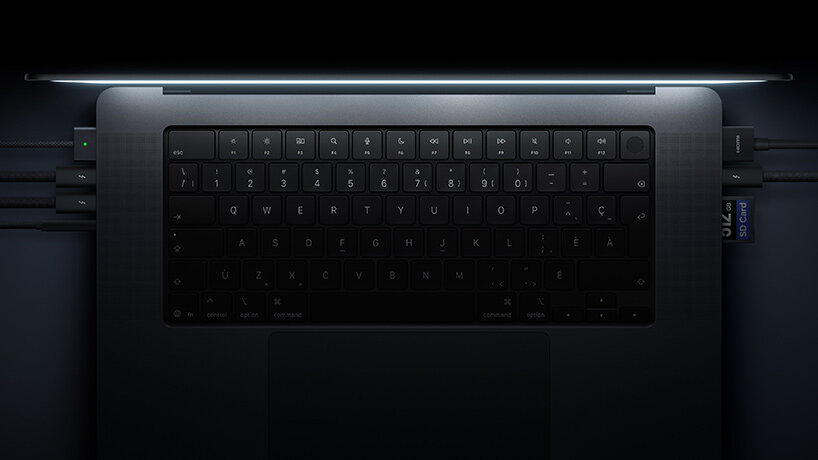
What happened
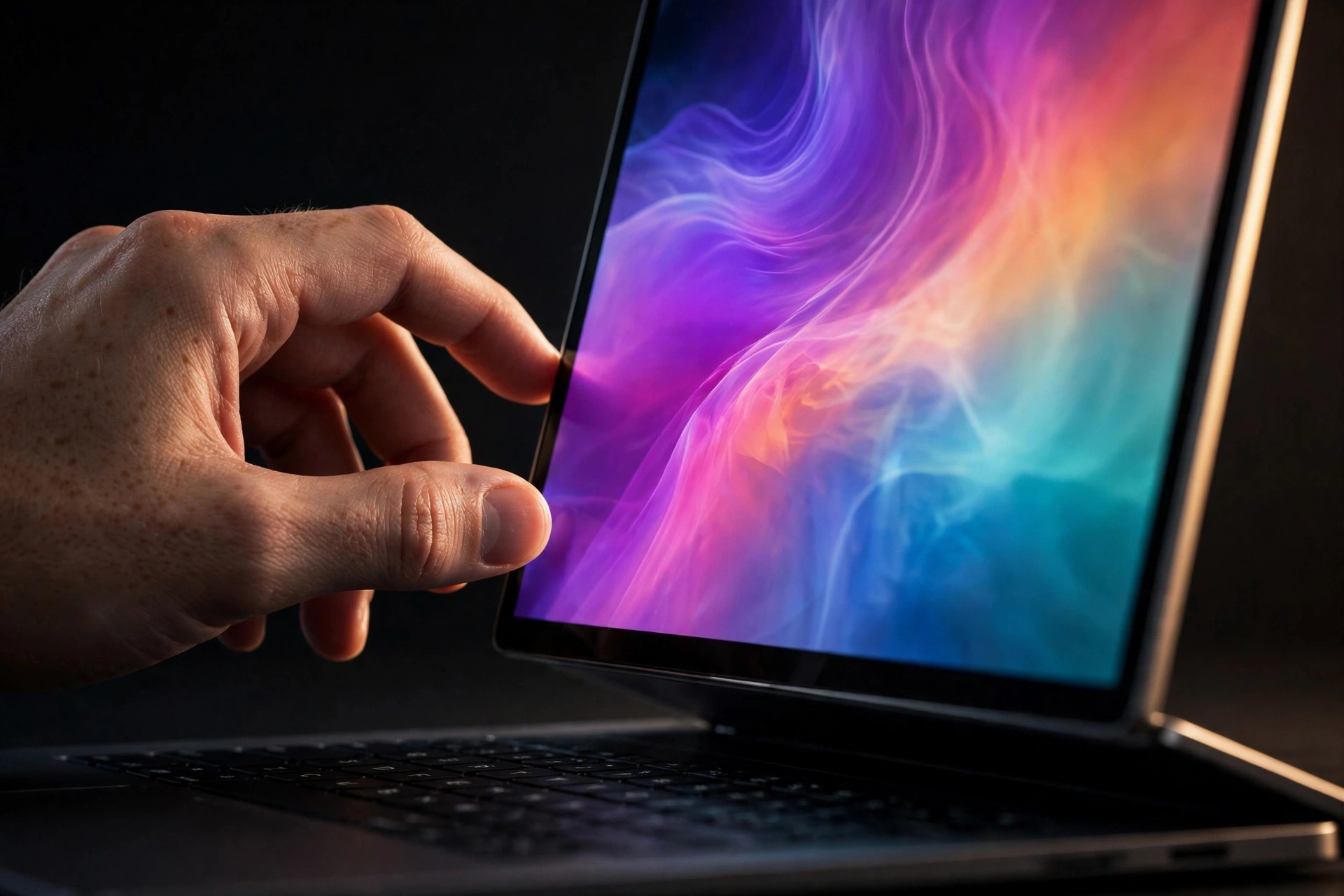
Apple announced the MacBook Pro with PROLED XDR Display on October 28, 2026, and it went on sale November 6. Apple said a completely redesigned thermal architecture holds the same sustained performance as before in a thinner, lighter body while redirecting warm air away from the display. Read the announcement here: https://www.apple.com/newsroom/2026/10/apple-unveils-groundbreaking-macbook-pro-with-proled-xdr-display/
On November 6, the Chinese tech channel Geekerwan published hands-on testing of both sizes, reported in English on November 7. Three findings are new:
- The exhaust now points only one way. For more than a decade the MacBook Pro took air in at the sides and split its exhaust between the screen side and the rear. The PROLED models exhaust only toward the rear of the chassis, and the hinge is shaped so it never blocks that vent, even opened wide. No teardown exists yet because the test unit was an Apple media loan, so the internal duct layout is still unconfirmed.
- The fans spin faster and sound quieter. In a dual stress test (a Cinebench R23 loop plus the 3DMark SNL stress test) with fans at maximum, the new 14-inch held its chip at 69W with one fan passing 9,000 rpm, yet measured about 48 dB against about 50 dB for the previous model. The 16-inch held 87W with its fans at 6,250 and 6,750 rpm. Locked to the same 36 dB noise level, the new fan reached just over 5,500 rpm where the old fan reached a little over 4,700 rpm, and the new machine held higher sustained power at that same noise.
- Clamshell mode is where the gap opens. With fans at maximum, lid open or closed made little difference for either generation. At an automatic setting targeting 36 dB, the new 16-inch delivered 62W with the lid open and still held 60W with the lid closed. The previous model delivered 54W open and dropped to 46W closed. That 14W gap in closed-lid automatic mode is worth more than 10 percent in clock speed under a sustained dual load.
In automatic mode on the 14-inch, the new model reached near maximum fan speed after about 8 minutes and held 69W, while the old model held only 60W at slightly higher noise, about 49 dB.
What this means for your Mac's thermals
Airflow path beats raw fan speed. The old design lost performance in clamshell mode not because its fans were weak, but because part of its exhaust pushed against the hinge and screen area. Sending all of the exhaust out the back, with a hinge that stays clear of it, removed that penalty. When a Mac runs hotter docked than it does open on the same job, suspect the airflow path and the desk setup before you suspect the chip.
Judge fans at a fixed noise level, not at maximum rpm. A fan that spins faster can still be the quieter system if its blades and ducts move more air per decibel. The 36 dB comparison is the honest one for desk work: at the noise level you are willing to live with, the new design moves more air and holds more power. Maximum rpm on its own tells you almost nothing.
Automatic mode is a policy, and policies differ by position. Both generations could hold full power with the fans forced to maximum, lid open or closed. The difference only appeared when macOS was left to balance noise against performance on its own. That is the mode most people actually run, so it is the mode worth benchmarking, and it is why two reviews of the same machine can report different sustained scores.
None of this changes an existing Mac. If you dock an M1 to M5 MacBook Pro, the test still hands you a useful check: run your heaviest job once with the lid open and once closed, and compare the time it takes and the fan behavior. A big closed-lid penalty points at blocked exhaust, a soft surface, or a dock setup crowding the rear of the machine, all of which you can fix today.
Practical takeaways
- Dock with the rear of the Mac clear. Give the exhaust an open path, keep the machine on a hard surface, and do not push it flush against a wall or a monitor stand.
- Test your own clamshell penalty. Time the same export or build lid open and lid closed. Start with how to check your Mac's temperature so you can watch temperature and fan speed during both runs.
- Read a closed-lid slowdown as a cooling signal, not a chip verdict. Mac thermal throttling explains how macOS trades clock speed for temperature once cooling falls behind.
- Ramp the fans earlier on long docked jobs. On a Mac that spends its day closed and loaded, an earlier fan curve trades a little noise at the start for a lower peak temperature later. See Mac fan curves for how to set one up.
- Know what normal looks like first. Compare your readings against normal Mac temperatures before you change anything, and use the pre-launch background in touchscreen MacBook Pro thermals for why Apple rebuilt this cooling system around the new display.
Sources
- KOCPC report of Geekerwan testing, November 7, 2026: https://en.kocpc.com.tw/archives/26913
- Apple Newsroom, October 28, 2026: https://www.apple.com/newsroom/2026/10/apple-unveils-groundbreaking-macbook-pro-with-proled-xdr-display/
- Fstoppers, November 5, 2026 (16-inch sustained testing at Nominal thermal pressure): https://fstoppers.com/gear/review-macbook-pro-proled-xdr-display-and-m5-max-screen-changes-everything-905426
- AppDook comparison of the first four PROLED reviews, including Notebookcheck's 44.6 dB(A) sustained measurement: https://appdook.com/news/macbook-pro-proled-xdr-reviews
Header photo: Apple, MacBook Pro with PROLED XDR Display press kit (Apple Newsroom, October 28, 2026).
Sources
- Apple unveils MacBook Pro with PROLED XDR Display (Apple Newsroom)
- Keep your Mac laptop within acceptable operating temperatures (Apple Support)
More from the guides
 Mac thermal fundamentalsHow to check Mac temperature and keep the reading honestCheck Mac temperature with the right sensor context, validate that readings refresh, and pair them with Activity Monitor and macOS thermal state.
 Mac thermal fundamentalsMac thermal throttling: how to identify it without guessingLearn what thermal throttling means on a Mac, which evidence matters, and how to run a repeatable test before changing cooling behavior.
 Fan curvesMac fan curves: what the points actually controlLearn how a temperature-to-fan curve works on a Mac, how Smart Breeze maps each point to a bounded RPM target, and how Smart Boost returns control to macOS.
 Mac thermal fundamentalsWhat is a normal Mac temperature? Use context, not one magic numberThere is no single normal internal temperature for every Mac. Learn how workload, thermal state, trend, airflow, and ambient conditions change the answer.
 Mac thermal fundamentalsTouchscreen MacBook Pro Thermals: Why Apple Rebuilt Cooling for a Screen You TouchApple confirmed touchscreen MacBook Pro on Oct. 28 and rebuilt cooling so the panel stays cool to touch. What it means for heat, fans and OLED life.
Related docs: Check compatibility, Review current monitoring limits
Smart Breeze records local temperature trends on-device, so lid-open and lid-closed runs of the same job show up as numbers you can compare. Download Smart Breeze