
What happened
Apple unveiled the MacBook Pro with PROLED XDR Display on October 28, 2026, at its "Pro and tell" event in Los Angeles. Coverage from Digital Trends, USA Today, Techaeris, and The Apple Post, all reporting Apple's announcement the same day, confirms the same core package:
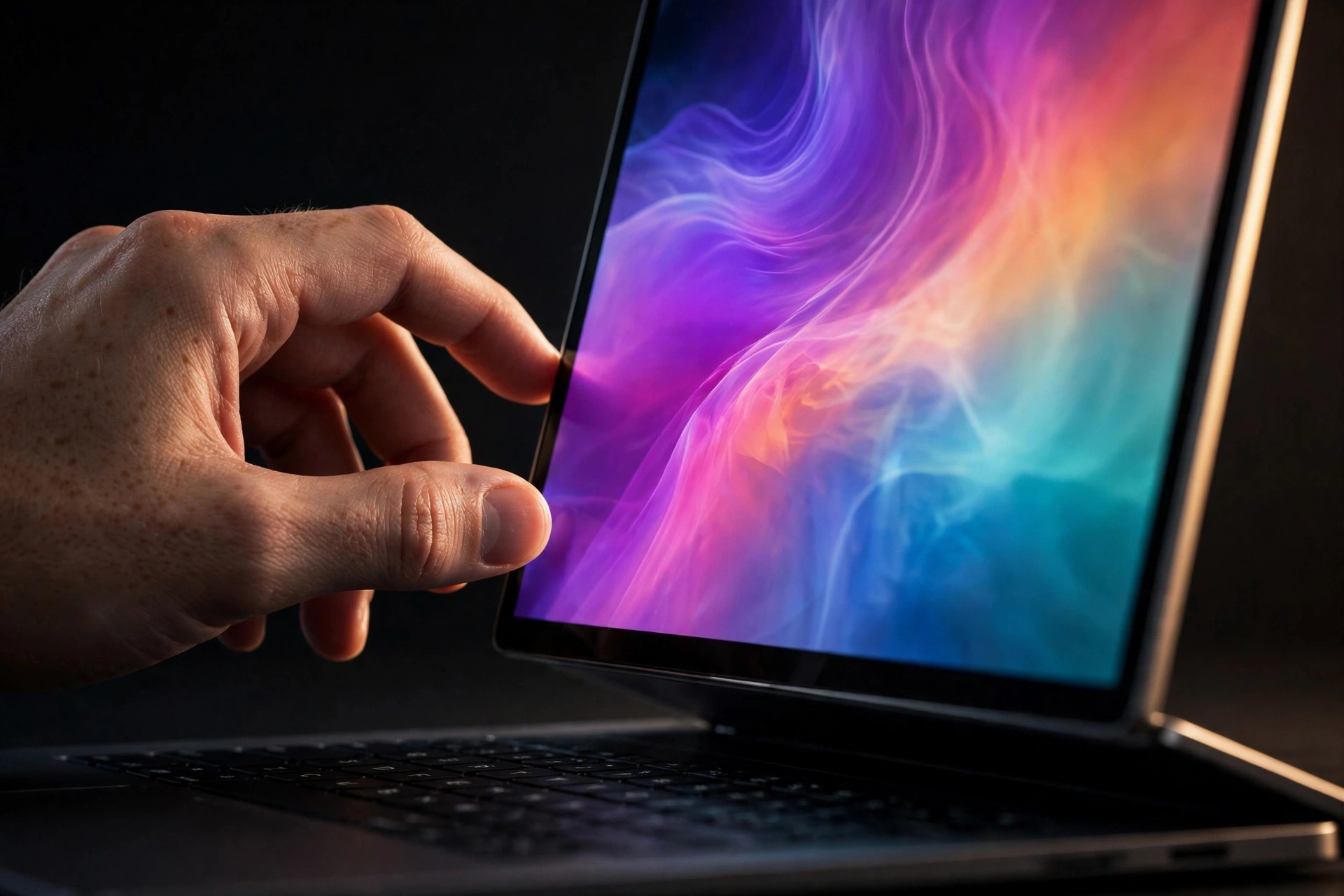
- 14-inch and 16-inch models with a tandem OLED PROLED XDR display, touch built into the panel, up to 2,000 nits peak brightness, a 10,000,000:1 contrast ratio, and ProMotion from 10Hz to 120Hz.
- M5 Pro and M5 Max chips, up to 128GB of unified memory and up to 16TB of storage.
- A thinner and lighter body: 3.0 pounds for the 14-inch model, down 0.5 pounds, and 4.0 pounds for the 16-inch model, down 0.7 pounds.
- A redesigned hinge built to stay steady when the screen is touched, and Dynamic Island in place of the notch.
- Pricing from $2,899 for the 14-inch M5 Pro and $3,399 for the 16-inch M5 Pro, rising to $4,499 and $4,799 for M5 Max.
- Pre-orders opened October 28, with deliveries and store availability starting Friday, November 6, in 30 countries and regions.
The thermal detail came in two places. In a Wired interview reported by iPhone in Canada on October 28, hardware chief Johny Srouji said Apple rebuilt the thermal system so the panel does not feel hot under a finger, alongside the hinge redesign. Techaeris, reporting the announcement the same day, described a redesigned thermal architecture claimed to hold the same sustained performance in the lighter chassis while redirecting warm air away from the display, and noted that heat is the traditional enemy of OLED longevity.
WarningKeep the claim at its real size
Apple has published no fan count, fan curve, or sustained-load temperature for these models, and no reviewer has run a looped thermal test yet.
What this means for your Mac's thermals
A touchscreen changes the thermal job in three ways that a normal MacBook Pro screen never had to handle.
- Your finger is now a temperature sensor. On a keyboard and trackpad machine, a warm lid is background information. On a touch machine, panel heat is something you feel every time you scroll, drag, or draw. A cooling path that keeps exhaust heat away from the display is not a luxury feature here. It is part of whether touch feels usable after 20 minutes of heavy work.
- The display itself needs protecting. OLED panels age faster when they run hot, and brightness can suffer first. Redirecting warm air away from the panel protects the most expensive part of this redesign. Watch for this in long-term reviews: not just chip temperatures, but whether the panel stays even and bright after months of sustained loads.
- Lighter usually means less thermal slack. These machines lost half a pound or more while keeping M5 Pro and M5 Max performance claims. Fans, fin stacks, and heat spreaders are heavy, so a lighter chassis that holds sustained performance has to do it with airflow efficiency. That makes the fan curve the thing to test: how early the fans start, how fast they ramp, and whether performance holds at minute twenty, not just minute two.
None of this proves the new machines run hot or cool. It tells you what evidence settles the question: sustained-load tests with chip temperature, fan RPM, and panel temperature together, run after November 6. For the wider picture on the thinner body, see OLED MacBook Pro thermals.
Practical takeaways
- Judge this redesign on sustained work, not launch benchmarks. Look for looped exports, renders, or local AI runs that report temperature and fan speed over time, plus a note on whether the screen felt warm to touch.
- Keep the rear edge clear. Reporting before the event described airflow improving through the hinge area, and the confirmed redesign still directs heat away from the display. A stand, dock, or wall that crowds the back of the machine works against that path. Test your setup under load.
- Build a week-one baseline if you buy one. Record idle, browsing, and heavy-work temperatures and fan speeds while the machine is new and clean, using how to check your Mac's temperature. That baseline is how you spot a blocked vent or a dust problem later.
- Do not judge cooling on day one. Setup, migration, and indexing make any new Mac run warm. Judge it on your normal workloads in week two, against what counts as a normal Mac temperature.
- Keeping a current MacBook Pro? Nothing here changes your machine. The existing models keep their cooling design, and there is no update or setting in this launch for M1 to M5 owners. If a loaded Mac does slow down, Mac thermal throttling, explained shows how to tell.
Sources
- Keep your Mac laptop within acceptable operating temperatures (Apple Support)
- ProcessInfo.ThermalState (Apple Developer Documentation)
- Identify your MacBook Pro model (Apple Support)
- Smart Breeze compatibility and hardware discovery (Smart Breeze)
More from the guides
 Mac thermal fundamentalsThinner OLED MacBook Pro expected October 27: what it means for your thermalsApple is expected to unveil a thinner, lighter touchscreen OLED MacBook Pro on October 27. Here is what the redesign could mean for heat and fan noise.
 Mac thermal fundamentalsMac thermal throttling: how to identify it without guessingLearn what thermal throttling means on a Mac, which evidence matters, and how to run a repeatable test before changing cooling behavior.
 Mac thermal fundamentalsHow to check Mac temperature and keep the reading honestCheck Mac temperature with the right sensor context, validate that readings refresh, and pair them with Activity Monitor and macOS thermal state.
 Mac thermal fundamentalsWhat is a normal Mac temperature? Use context, not one magic numberThere is no single normal internal temperature for every Mac. Learn how workload, thermal state, trend, airflow, and ambient conditions change the answer.
Related docs: Check compatibility, Review current monitoring limits
Smart Breeze records local temperature trends on-device, so idle, browsing, and heavy-work heat show up as a baseline you can compare against later. Download Smart Breeze